
Quick answer: On your organisation's WorkWize login page, click Create New Password / Reset Password? under the Login button, enter your username and click Confirm. Then follow the link in the email.
I've forgotten my password
- Go to your organisation's WorkWize login page and click Create New Password / Reset Password?
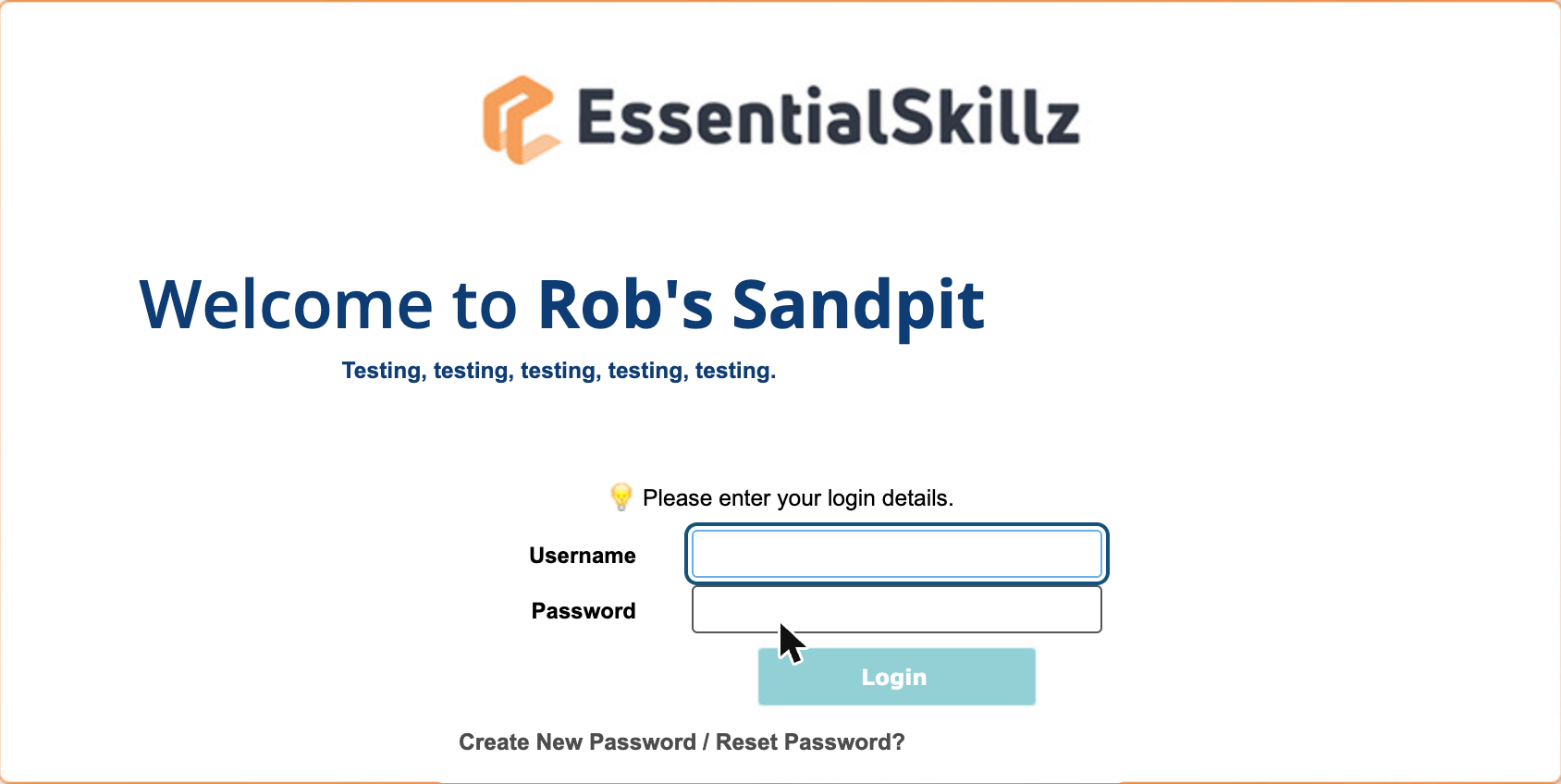
- Enter your username and click Confirm.
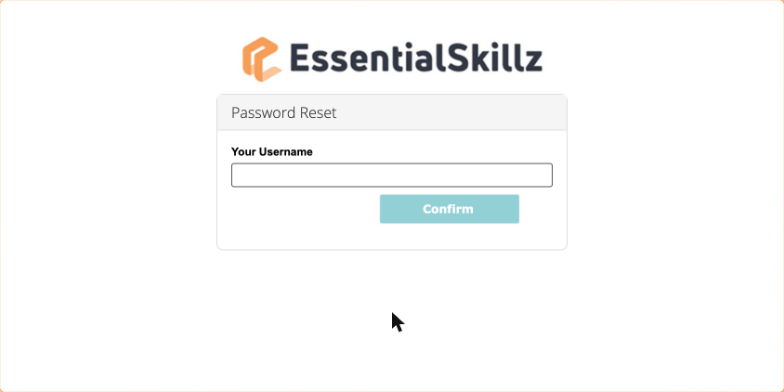
- Open the email from noreply@web2.workwize.com or noreply@web3.workwize.com and click the link to set a new password.
Tip: Can't see the email? Check your junk folder. If it's not there, ask your WorkWize administrator to check the email address on your profile.
I'm logging in for the first time
- Click the link in your enrolment email (or the link your administrator gave you) and enter your username, plus your temporary password if you were given one.
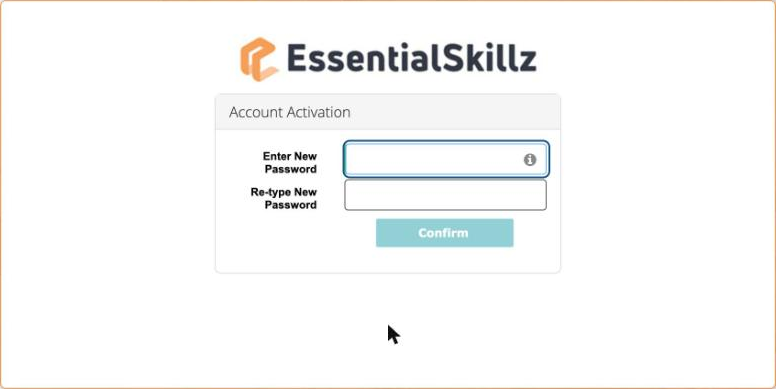
- On Account Activation, enter a new password twice and click Confirm.
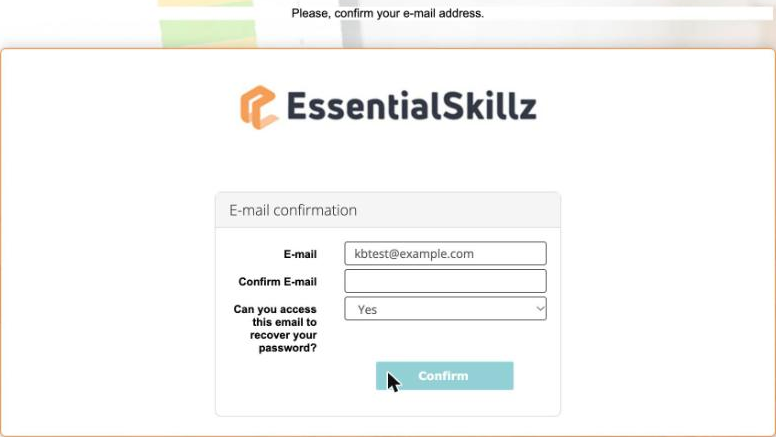
- On E-mail confirmation, type your email again, choose Yes and click Confirm.
- You'll land on your Home page. Click To Do to see your training.
Your password must have: 8 to 31 characters, upper and lower case letters, letters and numbers, at least one special character (such as # $ % & * ! ? or @) and no spaces. Your WorkWize password is separate from your work computer or email password.
I want to change my password
Click the person icon at the top right, choose Profile, open the Password tab, enter your current and new password and click Save.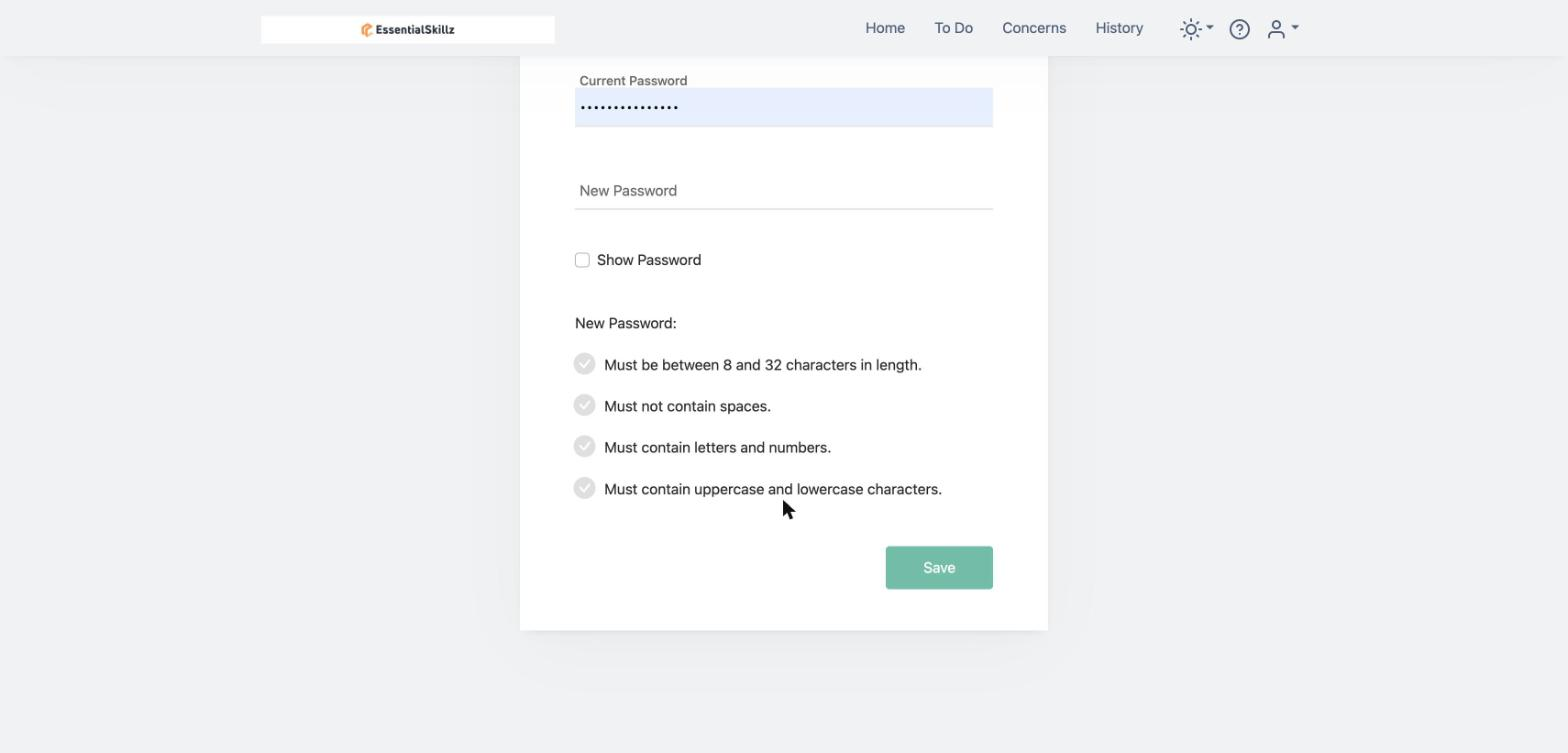
Something isn't working
"Account is disabled or does not exist!"
You may be on the wrong login page. Clear your browser cache and use your organisation's own WorkWize login link. Save it to your favourites.
"Username or password incorrect"
Check your username with your administrator (it might be your email or an employee number). Then try resetting your password. If that doesn't work, your administrator can check your account is active.
Resetting my password takes me to Account Activation
Your account hasn't been activated yet. Ask your administrator for a new activation link.
Still need help?
Email workwizesupport@vinciworks.com with your name, your organisation and a screenshot of any error.