
Quick answer: Add /competencylogin.aspx to the end of your LMS address. The link opens a Continuing Competence Module sign-in page, so learners go straight to the CCM. If your organisation uses SSO, add /ssocompetencylogin.aspx instead.
Build your link
- Find your LMS address, for example lms.vinciworks.com/yourfirm.
- Add /competencylogin.aspx to the end:
lms.vinciworks.com/yourfirm/competencylogin.aspx
- If your organisation uses SSO, use this instead:
lms.vinciworks.com/yourfirm/ssocompetencylogin.aspx
- Send the link to your learners, or add it to your intranet.
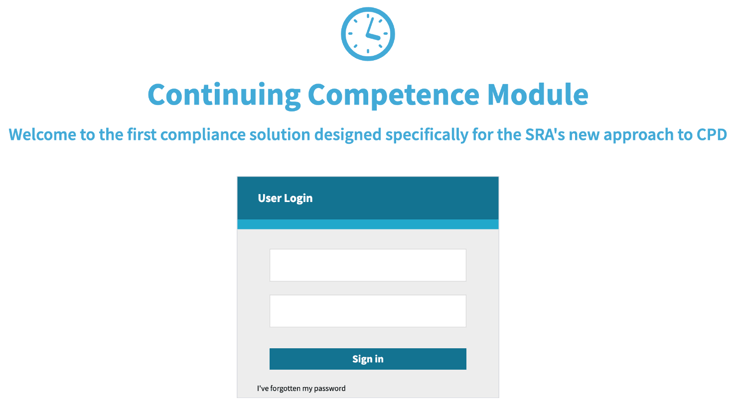
Decide when to use it
The link is handy for:
- Learners who only use the CCM and have no courses
- Reminders to make the yearly declaration before 31 October
- Firms that want a simpler sign-in for the CCM
Learners who also have courses to complete should use your main LMS address, so they land on their training.
Something isn't working?
Learners land in the CCM when they want their courses
They're using the CCM link. Send them your main LMS address instead (for example, lms.vinciworks.com/yourfirm). If they still land in the CCM from the main address, contact support to check your login settings.
Related articles: What is the Continuing Competence Module (CCM)? · Giving users access to the CCM