
Quick answer: Check the learner isn't archived, check the email address on their profile, then set a new password for them if they still can't get in.
1. Check they're not archived
An archived learner sees "Either Username or Password you entered is incorrect.", the same as a wrong password, so check this first.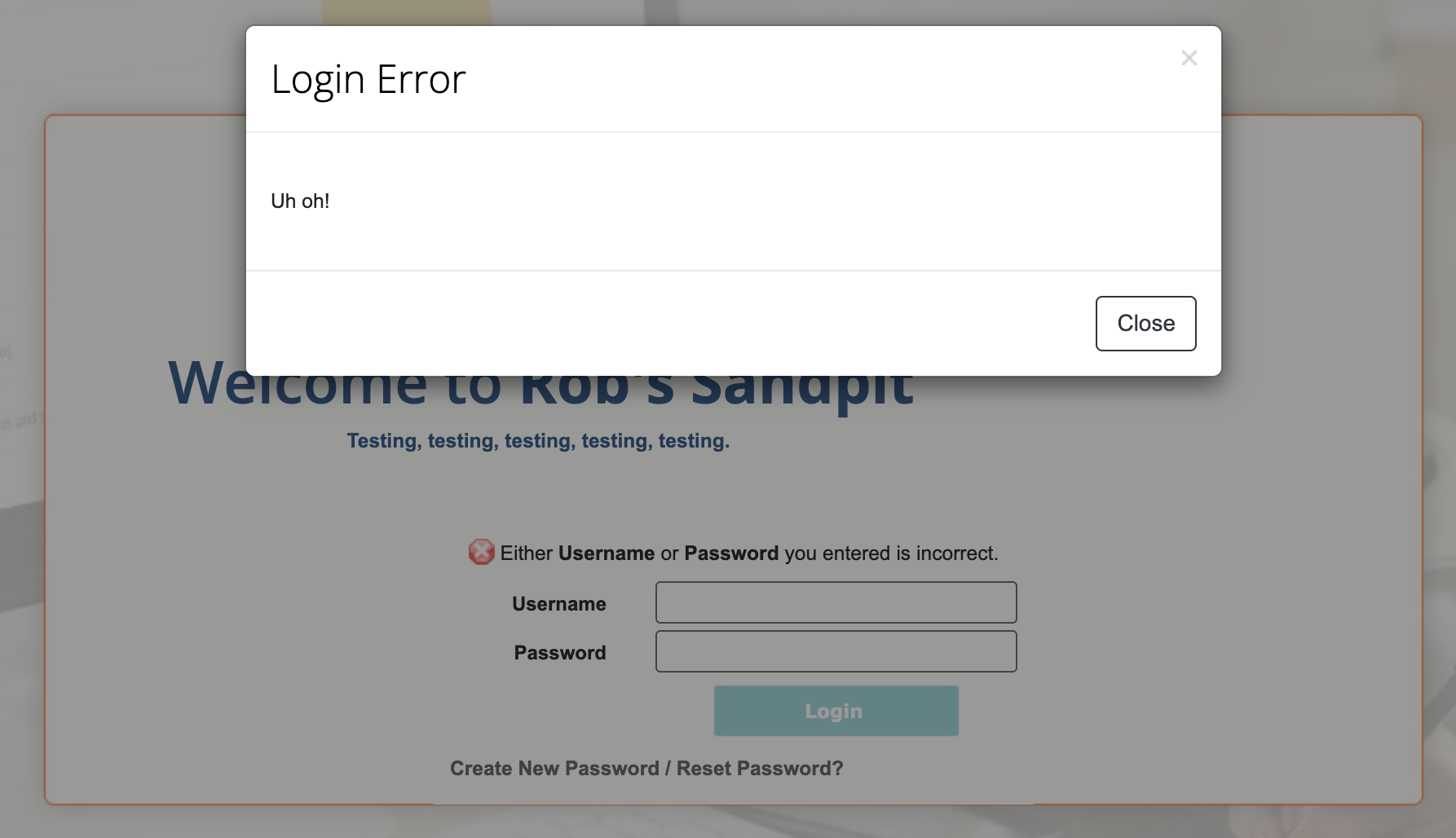
Go to User Management > Archived Users and search for them. If they're there, tick them and click Recover. See how to restore an archived user for the full steps.
Tip: If a learner keeps getting archived, check the Login Expiry date on their profile. WorkWize archives them automatically on that date.
2. Check their email address
Reset emails go to the address on their profile. Click the edit (pencil) icon next to the learner, check E-mail and click Save.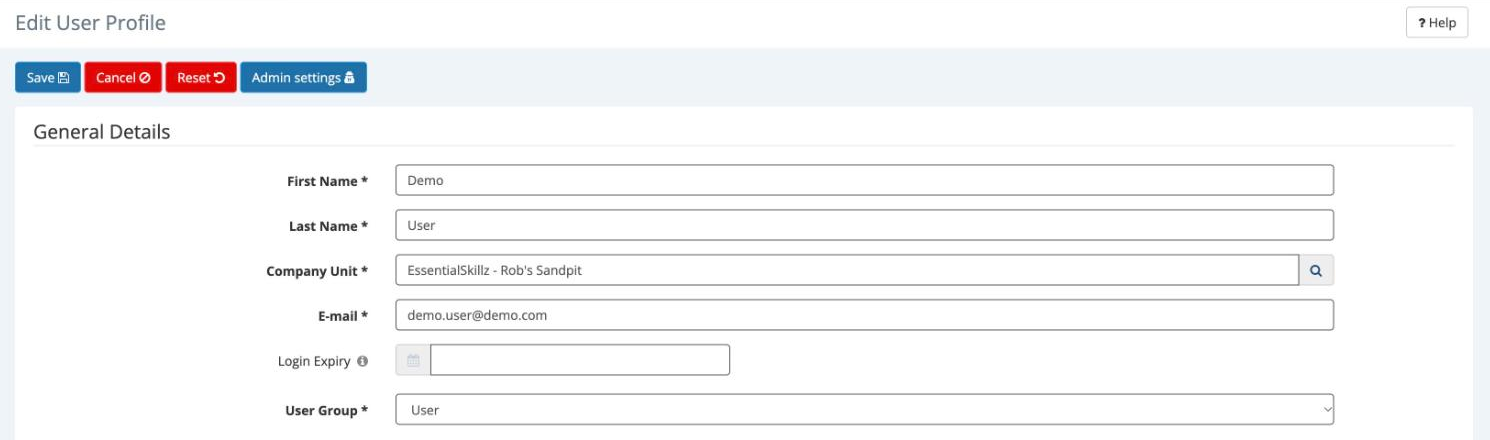
3. Check their username
Click the learner's last name to open their User Profile. Username under Login Details is exactly what they need to type.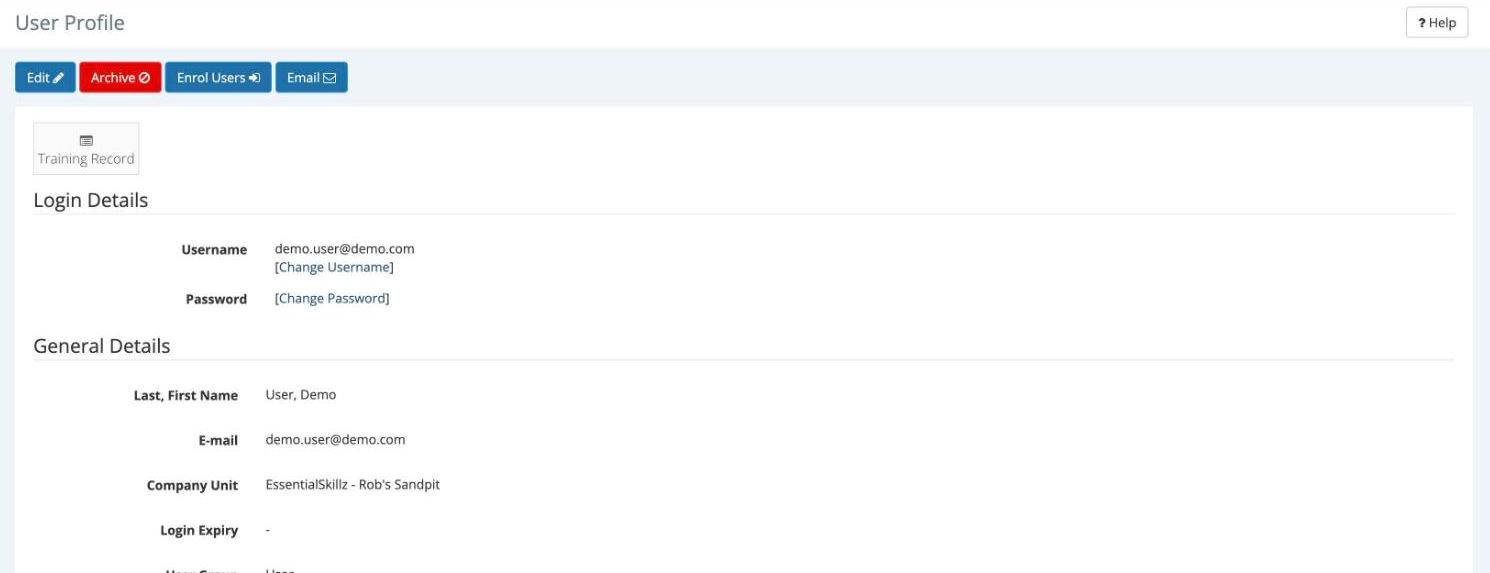
4. Set a new password for them
- On their User Profile, click Change Password under Login Details.
- Enter a new password and click Save. It must meet the WorkWize password rules.

- Share it with the learner securely. They can change it later under Profile > Password.
Still need help?
Email workwizesupport@vinciworks.com with the learner's name, their username and a screenshot of any error.
Related articles: How do I log in to WorkWize or reset my password? · How do I add, edit, archive or restore a user?